
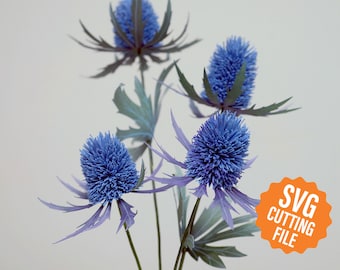
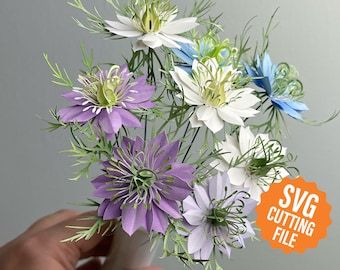
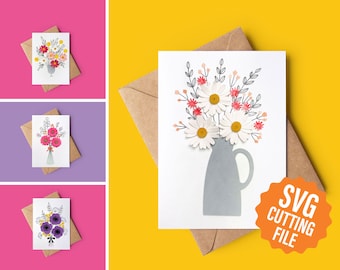
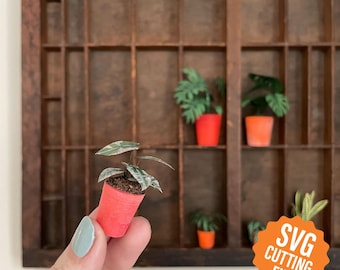
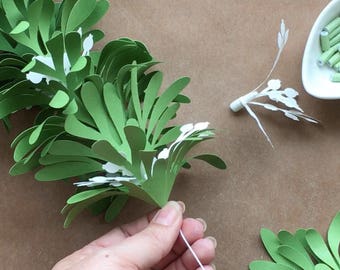
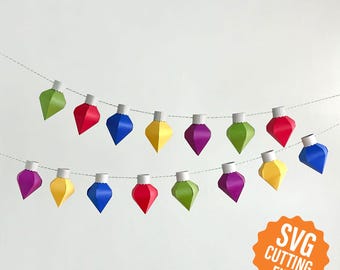
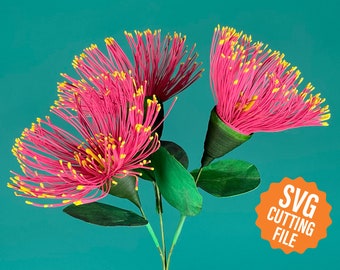

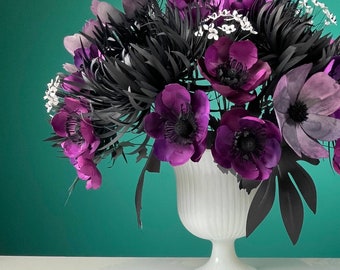
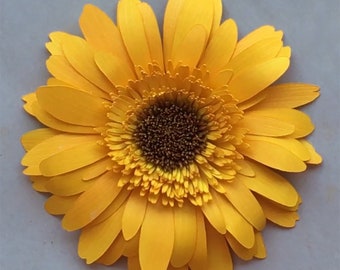
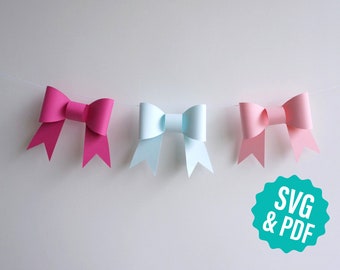
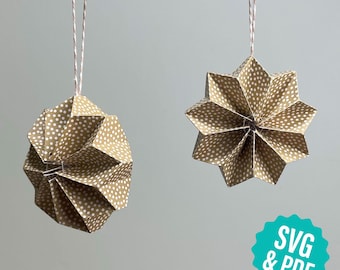
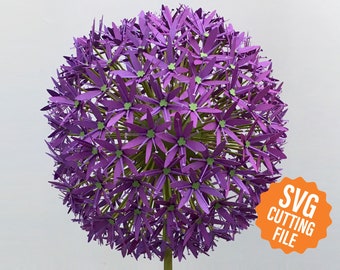
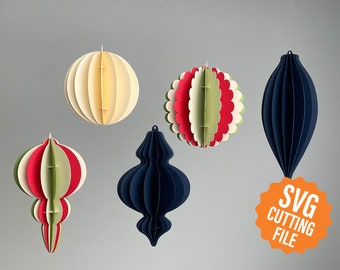
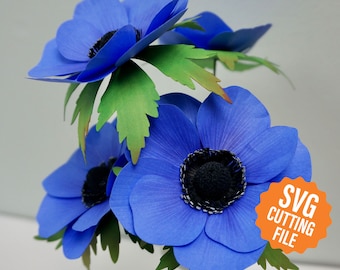
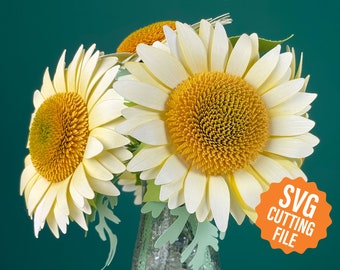

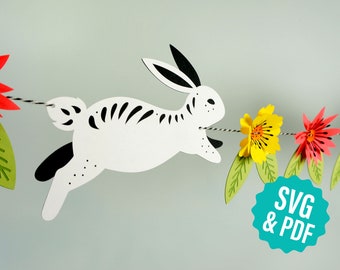

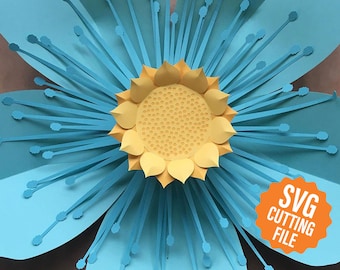
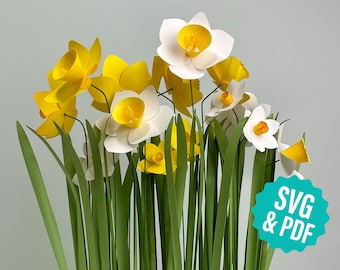
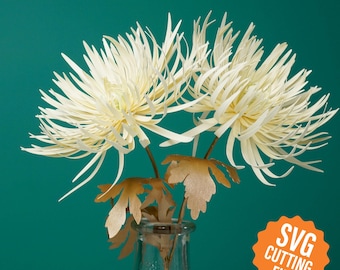






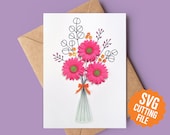
Unique paper flower templates and cutting machine files
Polecane produkty
Wszystkie produkty
Ogłoszenie
Data ostatniej aktualizacji 11 lip 2025
Opinie
4.9
(1738)
Średnia opinia o produkcie
Przy obliczaniu tej wartości wykorzystujemy średnią ocenę z wszystkich ocen, biorąc pod uwagę to, kiedy zamieszczono opinię – co roku wartość oceny zmniejsza się o połowę, tak aby jak najlepiej oddać aktualne doświadczenia zakupowe.
Ładowanie
-

Amy w dniu 11 cze 2026
5 na 5 gwiazdekGreat template! I enjoyed making it and it came out great.
Ładowanie -

l w dniu 30 paź 2026
5 na 5 gwiazdekI had trouble opening the SVG file with my phone. Heather went above and beyond to get the job done. I am new to SVG files.
Ładowanie -

-
-
-
-

-
Reneigh w dniu 6 sie 2026
5 na 5 gwiazdekMade up with very pretty flowers, but some of the instructions were not clear and if you are just beginning to make paper flowers it would be somewhat confusing.
Ładowanie -

-
Nanette w dniu 21 lip 2026
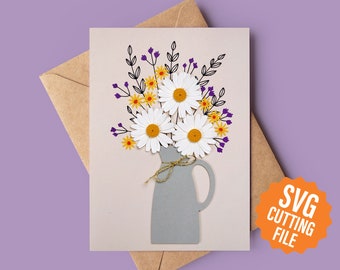
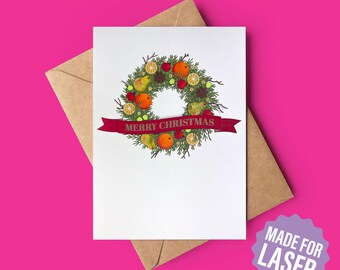
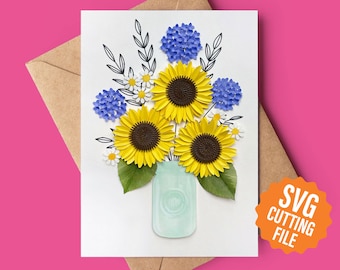
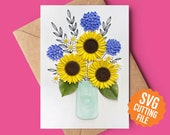
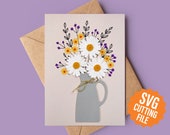
5 na 5 gwiazdekSuper pretty card easy to customize. Versatile design good for many occasions. Fun combo of drawing and cutting.
Ładowanie
Informacje o sklepie EspeciallyPaper
Transakcje
17 921
Na Etsy od 2012
Pracownicy sklepu
-

Heather
Właściciel
I've been designing digital paper craft templates since 2012, blending traditional craft with modern technology. I specialize in realistic flowers with intricate detail and clear instructions for beautiful, confidence-building results.
Partnerzy produkcyjni
-
Printing Service
Alabama, USA
I work with a printing service to bring you high-quality, professionally-printed paper goods. After customizing the files for your items, I deliver the final document to the printer where your order is printed, trimmed, and shipped straight to you.
Regulamin sklepu
Data ostatniej aktualizacji
23 stycznia 2023 r.
Akceptowane metody płatności
Akceptuje karty podarunkowe Etsy i bony Etsy
Zwroty i wymiany produktów
Sprawdź szczegóły produktu, aby dowiedzieć się, czy kwalifikuje się on do zwrotu lub wymiany.
Anulowania
Anulowania: niezaakceptowane
Skontaktuj się ze sprzedawcą w razie problemów z zamówieniem.
Więcej informacji
Data ostatniej aktualizacji
17 gru 2025
Często zadawane pytania
When will I receive my order?
Digital orders are available for download as soon as payment clears, usually less than a minute. A link to download digital goods will be sent to the email address on file with Etsy. Instant downloads are automatically sent, so please be sure that your email address on file is correct before ordering.
How do I cut SVG files with my Cricut cutting machine?
To cut an SVG file with your Cricut cutting machine, you'll need to upload the file to Cricut Design Space. For step-by-step instructions and tips, check out this Especially Paper blog post:
https://especiallypaper.com/blogs/especially-paper/how-to-use-svg-files-with-your-cricut-explore-craft-cutter
How do I download digital files that I've purchased?
After purchase, a download link will be sent to the email address associated with your Etsy account. If you didn't receive that or don't have access to that email account you can download from your Etsy orders page under You > Purchases and reviews. Learn more about buying and downloading digital files in this Etsy help article: https://etsy-fr.life/help/article/3949
How do I cut your templates with my Silhouette machine?
Cutting templates include DXF files that can be used with the basic edition of Silhouette Studio (the free version of the software). Simply go to File > Open within Studio and select the DXF file. Double-clicking the file from the Finder will not open the file.
If you have the designer edition of Silhouette Studio (the upgraded version), you can open the SVG version of the template.
Both file versions include the exact same pieces. They are just alternative file types.