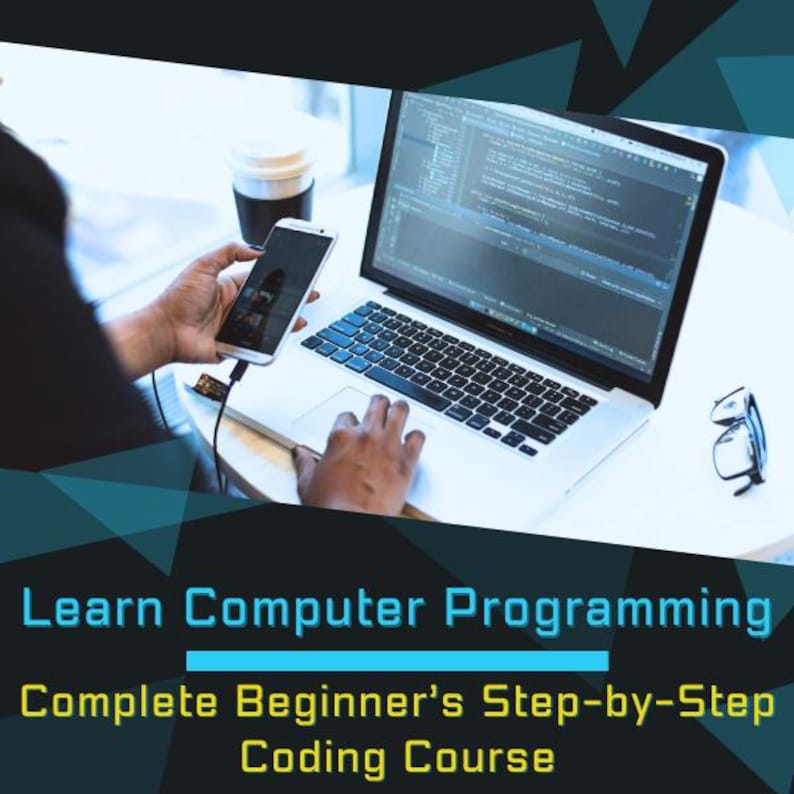
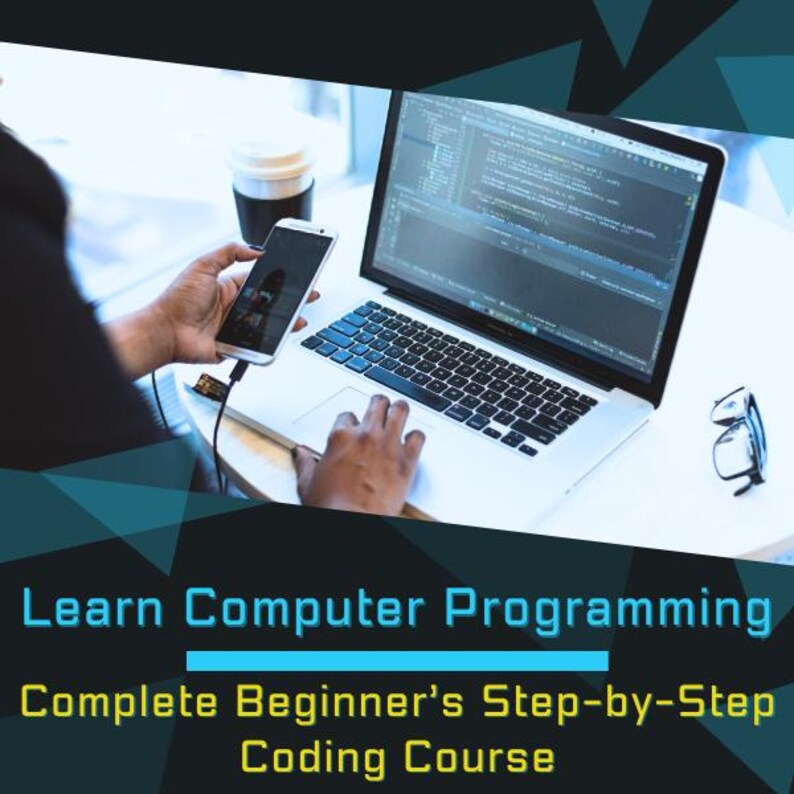


Learn Computer Programming Complete Beginner’s Step-by-Step Coding Course
Precio:MX$83.22
Solo puedes hacer una oferta por compras de un único artículo
Puntos destacables
Complete Beginner’s Step-by-Step Coding Course
Learn Computer Programming
Introduction
You do not need a computer science degree to learn how to code. You do not need to be “good at math.” You do not need to have started programming as a kid. What you need is a clear path, honest explanations, and enough real practice that the ideas stop feeling abstract and start feeling like tools in your hands.
That is what this book is. Ten chapters, each one building directly on the last, using Python as the teaching language because it reads almost like plain English and gets out of your way while you learn the concepts that matter in every language: variables, logic, loops, functions, data structures, and how real programs are put together.
A few ground rules before you start:
Type the code yourself. Copying and pasting teaches your eyes. Typing teaches your hands and your brain. When you type for i in range(10): fifty times, it stops being syntax and starts being reflex.
Break things on purpose. Every chapter includes examples. After you get one working, change a number, delete a colon, misspell a variable name. See what error you get. Programmers are not people who never see errors — they are people who are no longer afraid of them.
Finish the takeaway task at the end of each chapter. Reading about code and writing code are different skills. The takeaway tasks are short, deliberately, so you actually do them instead of skimming past.
By the end of this book you will have written dozens of small programs and one complete project from scratch. More importantly, you will have the mental model to keep learning on your own — to read documentation, to search for errors intelligently, and to look at a blank screen without panicking.
Let’s begin.
Table of Contents
1. Why Learn to Code? Understanding the Programmer’s Mindset
2. Setting Up Your Coding Environment
3. Programming Fundamentals — Variables, Data Types, and Operators
4. Control Flow — Making Decisions with Conditionals
5. Loops — Automating Repetitive Work
6. Functions — Writing Reusable, Organized Code
7. Data Structures — Lists, Dictionaries, Tuples, and Sets
8. Working with Files, Errors, and Exceptions
9. Introduction to Object-Oriented Programming
10. Building a Real Project and What Comes Next
Chapter 1: Why Learn to Code? Understanding the Programmer’s Mindset
What programming actually is
Strip away the jargon and programming is one thing: giving a computer precise, unambiguous instructions to solve a problem. That’s it. A recipe is a program for a human cook. A tax form’s instructions are a program for a taxpayer. Code is just a program written in a language a computer can execute exactly, without interpretation, without “I think you meant.”
That last part — “without interpretation” — is the single biggest adjustment for beginners. Humans fill in gaps constantly. If you tell a friend “grab milk from the store,” they know which store, they know you mean dairy milk, they know approximately how much. A computer knows none of that. It will do precisely what you typed, not what you meant, and it will do it every single time without judgment.
This is why your first weeks of coding will feel like arguing with a machine that keeps misunderstanding you. You are not bad at this. You are learning to think in a new register of precision, and that takes practice like any other skill.
Why Python, and why this matters for you
There are hundreds of programming languages. This book teaches Python for a specific set of reasons, not because it’s the “best” language — there’s no such thing — but because it is the best first language for building the mental models that transfer everywhere else.
Python code reads close to English. Compare printing “Hello” in Python versus Java:
print("Hello, world")
public class Hello {
public static void main(String[] args) {
System.out.println("Hello, world");
}
}
Both do the same thing. The Python version lets you focus on the idea — print this text — without wading through boilerplate about classes and public static void main that means nothing to you yet. Once you understand loops, conditionals, and functions in Python, you can pick up JavaScript, Java, C#, or Go in weeks, because the underlying concepts are identical. Only the punctuation changes.
Python also happens to be genuinely useful, not just a teaching toy. It powers web backends (Instagram, Spotify’s internals), most professional data analysis and machine learning, automation scripts that run inside major companies, and a large share of the tools scientists use to do research. Learning it is not a detour before “real” programming — it is real programming, used at serious scale.
The four skills that make someone a programmer
New coders often think the goal is to memorize syntax — to know by heart how to write a loop, how to define a function. Syntax matters, but it is the smallest part of what makes someone effective. Four skills matter far more:
1. Decomposition. Taking a big, vague problem (“build a budgeting app”) and breaking it into small, concrete steps (“ask the user for an amount,” “ask for a category,” “add the amount to a running total for that category,” “print the totals”). Every experienced programmer does this automatically. Beginners have to do it deliberately, on paper, before touching the keyboard.
2. Pattern recognition. After you’ve written a handful of programs, you notice that “go through a list and do something to each item” shows up constantly — in a video game, in a shopping cart, in a spreadsheet tool. You start recognizing the shape of a problem and reaching for the right tool (a loop, in this case) instead of reinventing it from scratch.
3. Reading error messages. This is the skill nobody teaches explicitly and it separates frustrated beginners from confident ones. An error message is not an insult. It is the computer telling you, usually quite specifically, what went wrong and where. Chapter 8 covers this in depth, but from day one: read the last line of an error first, then work upward.
4. Comfort with not knowing. No programmer, however senior, has the whole language memorized. Professionals look things up constantly. The skill is not “know everything” — it’s “know how to find the answer quickly and verify it’s correct.” You will be doing this from your very first program, and that is completely normal.
A worked example: thinking like a programmer before writing code
Say you want to write a program that tells you whether a year is a leap year. Before opening an editor, decompose the problem in plain English:
• A year is a leap year if it’s divisible by 4.
• Except if it’s also divisible by 100 — then it’s not a leap year.
• Except-except if it’s divisible by 400 — then it is a leap year after all.
Notice you did real thinking there with zero code. That’s the actual skill. The Python translation is almost mechanical once the logic is clear:
def is_leap_year(year):
if year % 400 == 0:
return True
if year % 100 == 0:
return False
if year % 4 == 0:
return True
return False
print(is_leap_year(2024)) # True
print(is_leap_year(1900)) # False
print(is_leap_year(2000)) # True
You’ll learn exactly what def, %, and return mean over the next few chapters. For now, notice the shape: plain-English rules translated almost line-for-line into code. That translation skill is what this entire book is training.
Setting realistic expectations
You will not feel “fluent” after this book, and that’s fine — fluency in programming, like fluency in a spoken language, comes from months and years of use, not from any single course. What you will have after these ten chapters is the ability to write real, working programs that do useful things: process data, automate boring tasks, build small tools, and — critically — the vocabulary and confidence to keep learning from documentation, tutorials, and other people’s code without feeling lost.
Expect frustration in roughly week two or three. This is universal and it is not a sign you’re bad at this. It’s the point where the initial excitement of new syntax wears off and you’re wrestling with your first genuinely tricky bug. Every working programmer has been exactly where you’ll be. Push through that week and the rest gets dramatically easier.
Chapter takeaway
Actionable takeaway: Before reading Chapter 2, write down — on paper, not in code — the step-by-step logic (in plain English, numbered steps) for one everyday task, such as making a cup of coffee or deciding what to wear based on the weather. Be so precise a robot with no common sense could follow it exactly. This single exercise is the real foundation of programming, and you’ll come back to this coffee/weather example later in the book once you know how to actually code it.
Chapter 2: Setting Up Your Coding Environment
Why setup deserves its own chapter
Most coding tutorials rush past setup in a paragraph, and it’s the single most common place beginners get stuck before writing a line of real code. A broken setup produces confusing errors that have nothing to do with your logic and everything to do with your computer not knowing where to find Python. This chapter walks through it carefully, once, so you never have to think about it again.
Installing Python
Windows: 1. Go to python.org/downloads and download the latest stable release (any 3.11 or newer is fine). 2. Run the installer. On the very first screen, check the box that says “Add python.exe to PATH” — this is the step almost everyone misses, and skipping it causes the most common beginner setup error. 3. Click “Install Now” and let it finish. 4. Open Command Prompt (search “cmd” in the Start menu) and type python --version. You should see something like Python 3.12.1.
macOS: 1. macOS ships with an old version of Python 2, which you should ignore entirely. 2. Go to python.org/downloads, download the macOS installer, and run it. 3. Open Terminal (Cmd+Space, type “Terminal”) and type python3 --version. 4. On macOS you’ll typically type python3 instead of python for the rest of this book — Python 2’s python command may still exist on your system.
Linux: Most distributions ship with Python 3 pre-installed. Open a terminal and run python3 --version. If it’s missing, install it with your package manager, e.g. sudo apt install python3 on Ubuntu/Debian.
Choosing and installing an editor
A code editor is just a text editor with superpowers for programmers: syntax highlighting, error detection, and built-in ways to run your code. This book recommends Visual Studio Code (VS Code) — free, actively maintained, and the most widely used editor in the industry, which means endless tutorials and extensions exist for it.
1. Download it from code.visualstudio.com and install it like any other application.
2. Open VS Code, click the Extensions icon in the left sidebar (it looks like four squares), search “Python,” and install the official Microsoft Python extension. This gives you error highlighting, autocomplete, and a one-click “Run” button.
Your first real program, run three ways
Create a folder on your Desktop called coding-course. Inside VS Code, open that folder (File → Open Folder), then create a new file called hello.py. Type:
name = "your name here"
print("Hello, " + name + "! Let's start coding.")
Method 1 — the Run button. With hello.py open, click the triangular Run button in the top right of VS Code. A terminal panel opens at the bottom showing your output.
Method 2 — the integrated terminal. Open VS Code’s terminal (Terminal → New Terminal) and type python hello.py (or python3 hello.py on macOS/Linux). This is the method you’ll use constantly once you’re comfortable, because it works identically outside VS Code.
Method 3 — the interactive shell (REPL). Type just python (or python3) with no filename into a terminal. You get a >>> prompt where you can type single lines of Python and see results immediately — no file needed. Type 2 + 2 and press Enter; you’ll see 4. This is invaluable for quickly testing a small idea. Type exit() to leave it.
Get comfortable switching between all three. Professional programmers use the terminal constantly, so building that habit early pays off.
Understanding the file, the folder, and the terminal as one system
A common beginner confusion: “I ran my file but it says file not found.” This almost always means your terminal’s current directory doesn’t match where your file actually lives. The terminal always operates “inside” some folder, shown by the command pwd (macOS/Linux, “print working directory”) or cd with no arguments won’t show it on Windows — instead type cd alone to see it, or just look at the path shown in your prompt.
To move into a folder: cd coding-course (short for “change directory”). To move up one level: cd ... To list what’s inside the current folder: ls (macOS/Linux) or dir (Windows). These four commands — pwd, cd, cd .., ls/dir — will get you through the vast majority of terminal navigation you’ll ever need as a beginner.
Installing packages with pip
Python’s real power comes from its ecosystem of packages — pre-written code other people have published that you can use for free. pip is the tool that installs them. Test it now:
pip install requests
This installs requests, a package for talking to websites and APIs, which you’ll use in a later chapter. If pip isn’t recognized, it usually means the PATH step from installation was missed — reinstall Python and make sure that box is checked (Windows) or try pip3 instead of pip (macOS/Linux).
A note on virtual environments
As you progress past this book, you’ll hear about “virtual environments” — isolated Python setups per project, so one project’s packages don’t conflict with another’s. You don’t need this yet, and introducing it now would add friction without benefit. When you start your second or third real project, come back to this note and search “python venv tutorial” — by then the concept will make immediate sense because you’ll have felt the problem it solves.
Troubleshooting checklist
If something isn’t working, walk through this list before panicking:
• Did you save the file before running it? VS Code shows a white dot on the tab name if there are unsaved changes.
• Are you running the command from the correct folder? Use pwd/cd to check.
• Did you type python when your system needs python3, or vice versa?
• Is there a typo in the filename you’re running versus the filename you saved?
• Copy the exact error message into a search engine. This is not cheating — it is how every professional programmer debugs unfamiliar errors, all day, every day.
Chapter takeaway
Actionable takeaway: Get all three run methods (Run button, terminal command, REPL) working on your machine today, using the hello.py example above, and successfully install the requests package with pip. Do not move on to Chapter 3 until python hello.py (or python3 hello.py) runs without errors from your terminal — this is the foundation every later chapter depends on.
Partners de producción
getgiftideas hace este artículo con la ayuda deDescarga inmediata
Los archivos estarán disponibles para descargar una vez que se confirme el pago. Sigue estas instrucciones.
No se admiten cambios, devoluciones ni cancelaciones de los artículos de descarga inmediata. Ponte en contacto con el vendedor si tienes algún problema con tu pedido.
Protección de compras de Etsy
Compra con confianza en Etsy sabiendo que estamos a tu lado si surge un problema con un pedido que reúne los requisitos.
Consulta las condiciones del programa

Valora este artículo antes que nadie

Más artículos de esta tienda
Visitar tienda-

Descarga digital
30 patrones de cuentas Pony en PDF / Tablas de abalorios para principiantes (Descarga instantánea)
MX$83.22
-
Descarga digital
PATRONES DE CUENTAS PONY Diseños fáciles paso a paso para principiantes 30 encantadores gráficos para ensartar, coser y compartir
MX$81.88
-
Descarga digital
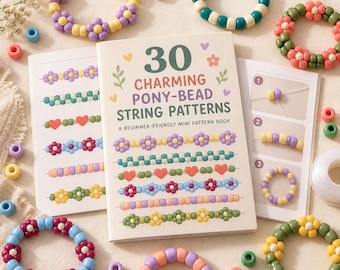
30 patrones de cuentas Pony para principiantes, guía imprimible de patrones de pulseras y dijes en PDF
MX$83.22
-

Descarga digital
Imágenes prediseñadas de animales del bosque invernal: 42 imágenes JPG en acuarela
MX$58.45
-
Descarga digital
Programación para principiantes: aprende a programar y crear una aplicación (Descargar PDF)
MX$190.59
-
Descarga digital
Guía/Hoja de referencia de programación en C (PDF): Desde lo básico hasta las técnicas avanzadas, repaso para estudiantes, consejos y trucos.
MX$64.94
-
Descarga digital
Python para principiantes: Curso completo de programación (PDF) / Descarga instantánea / Guía y tutorial de codificación
Precio en oferta MX$71.27
Precio original MX$142.74
-
Descarga digital
Programación en C simplificada
MX$476.26
-
Descarga digital
Ejercicios de programación en Python: Práctica de codificación desde nivel principiante hasta avanzado (Descarga instantánea en PDF)
Precio en oferta MX$50.93
Precio original MX$102.27
-
Descarga digital
Asistente de codificación para desarrolladores y guía de depuración / Libro de referencia de Python, Java y SQL (PDF)
MX$71.27
-
Descarga digital
Masterclass: el arte de la Programación Dinámica - Habilidades Esenciales
MX$115.66
-
Descarga digital
Programación de Rust: la guía completa para desarrolladores
MX$115.66
-
Descarga digital
Programación: 5 libros en 1 Aprenda Python, JavaScript, C++, C# y SQL rápidamente
MX$89.63
-
Descarga digital
Programación Python y aprendizaje automático: cómo codificar en 24 horas 2 en 1: descarga INMEDIATA
MX$55.19
-
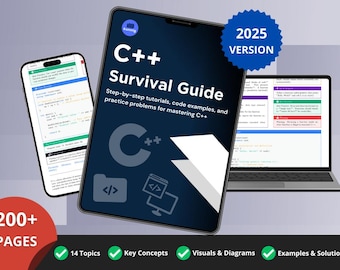
Descarga digital
Guía de estudio de C++ en PDF / Lecciones de programación paso a paso y hoja de referencia
MX$104.83
-

Descarga digital
Reparación de computadoras: domine el arte de la programación de chips BIOS
MX$115.66
A los compradores con gustos similares les han gustado estos artículos
-
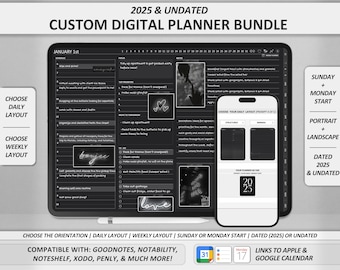
Descarga digital
Customizable Dark Digital Planner 2025: GoodNotes & Notability Compatible (PDF)
Precio en oferta MX$47.23
Precio original MX$94.27
-
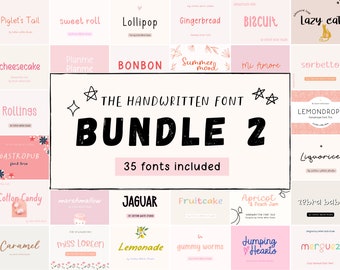
Descarga digital
Paquete de fuentes manuscritas / Fuentes para Procreate / Fuentes para Goodnotes / Fuentes para planificadores / Fuente manuscrita / Canva / Fuentes para Corjl / Fuentes para Cricut /
Precio en oferta MX$157.77
Precio original MX$525.83
-
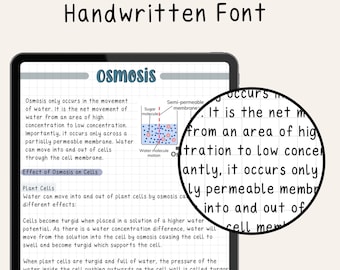
Descarga digital
Fuente manuscrita, fuente para notas digitales y planificación digital / Fuente Goodnotes / Notabilidad / Fuentes para tomar notas digitales
MX$93.73
-

Descarga digital
Agenda digital 2027 para Goodnotes, Notability, iPad y Samsung Tab / Agenda estética / Diseño vertical minimalista y moderno / Con fechas (incluye 2026)
Precio en oferta MX$232.28
Precio original MX$357.35
-

Descarga digital
Student Digital Planner: GoodNotes Compatible, Academic iPad Planner (PDF)
Precio en oferta MX$47.23
Precio original MX$94.27
-

Panel de control minimalista para agenda transparente / Accesorios para agenda / Insertos para agenda A5 / 6 citas motivacionales en blanco y negro / Filofax, Kikki K
MX$151.37
-
Descarga digital
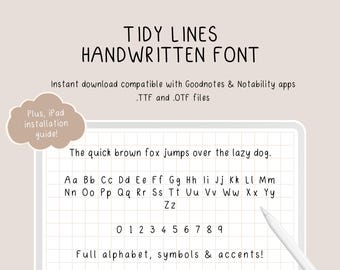
Líneas ordenadas / Fuente de escritura a mano pulcra para Goodnotes y notas digitales
MX$62.26
-
Planificador de hábitos mensual impreso tamaño personal / Insertos impresos para agenda personal / Lista de verificación de hábitos para Filofax Personal / Planificador de productividad
MX$76.76
-
Descarga digital
Fuente manuscrita para planificador digital y toma de notas de estudiantes, fuente de escritura linda y ordenada para Goodnotes, Notability y compañía.
MX$70.60
-
Descarga digital
Pegatinas digitales para estudiantes para planificador Goodnotes Estudio prerecortado Widgets académicos ipad Notability Memo Pads Journaling Pastel Sticky Notes
Precio en oferta MX$113.91
Precio original MX$151.81
-
Descarga digital
Cuaderno digital para estudiantes Plantillas para tomar notas con hipervínculos Plantilla de planificador Bloc de notas Goodnotes Notabilidad iPad rastreador de escuelas académicas universitarias
Precio en oferta MX$113.91
Precio original MX$151.81
-
Descarga digital
Título Fuente manuscrita Planificador digital Ipad Fuente manuscrita para toma de notas digital y planificación digital Goodnotes Font Notability Noteshelf
Precio en oferta MX$80.30
Precio original MX$107.37

