
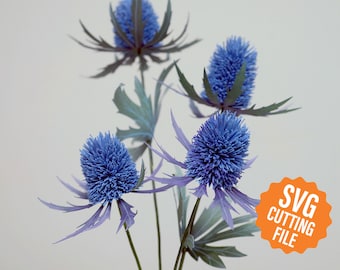
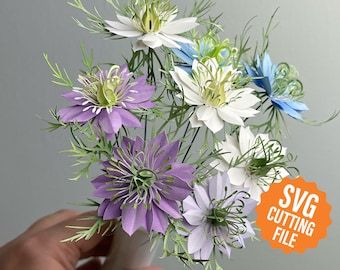
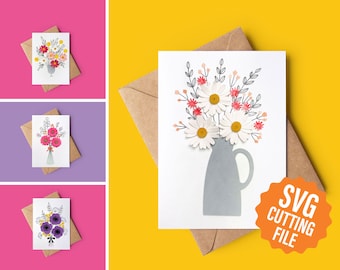



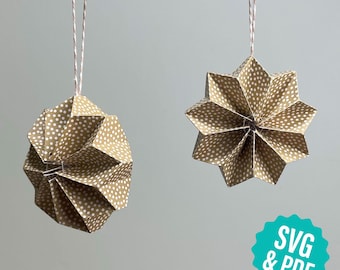
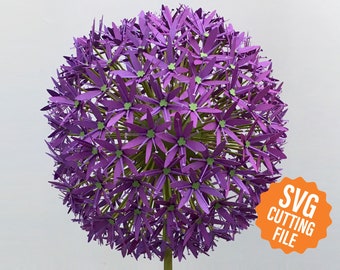
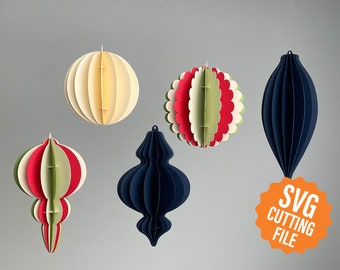
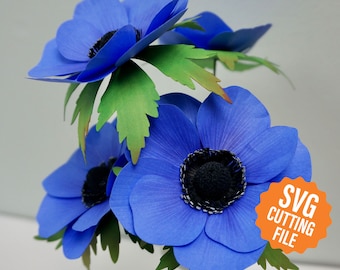
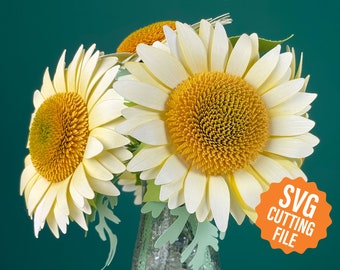

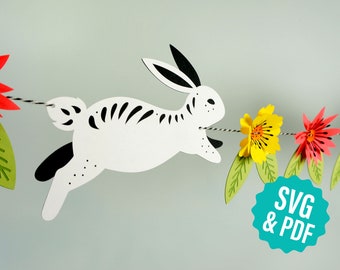
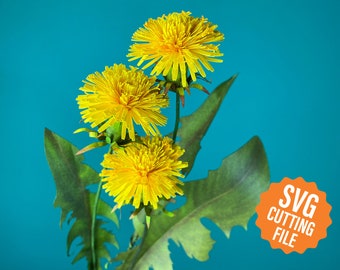
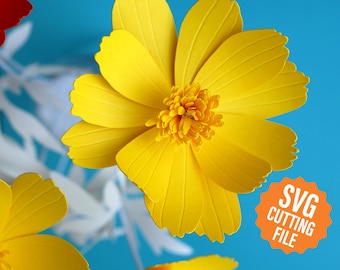
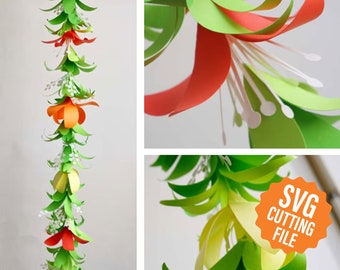

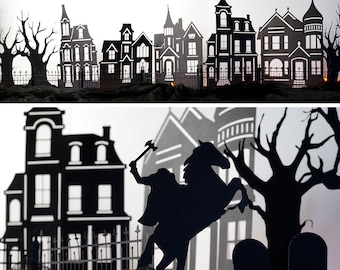

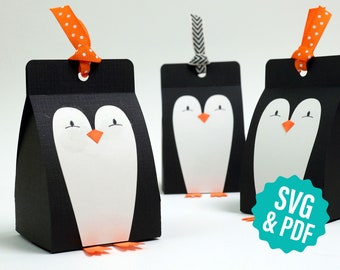
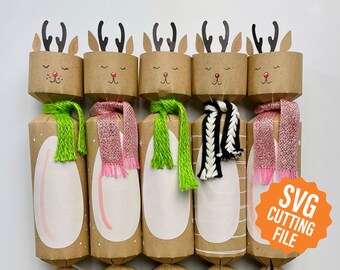
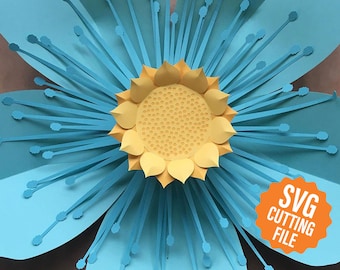
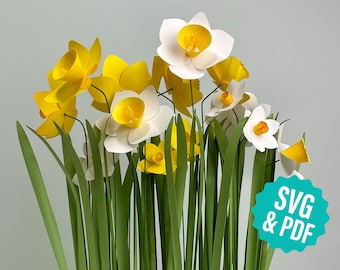
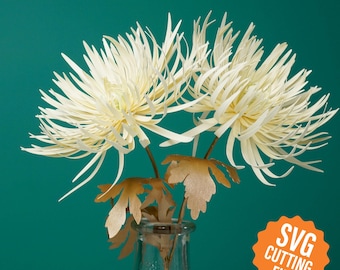






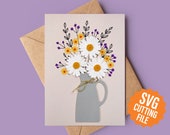



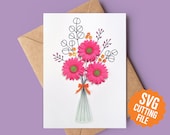
Unique paper flower templates and cutting machine files
お知らせ
最終更新日: 2025年 07月 11日
レビュー
4.9
(1738)
商品のレビュー平均
すべての評価について、最新レビュー重視の平均評価基準を採用して、この数字を計算しています。最新の体験を反映するため、評価の価値は毎年半減する仕組みとなっています。
読み込み中
-

Amy さんのレビュー(2026年 06月 11日)
星 5 個のうち 5 個Great template! I enjoyed making it and it came out great.
読み込み中 -

l さんのレビュー(2026年 10月 30日)
星 5 個のうち 5 個I had trouble opening the SVG file with my phone. Heather went above and beyond to get the job done. I am new to SVG files.
読み込み中 -

-
-
-
-

-
Reneigh さんのレビュー(2026年 08月 6日)
星 5 個のうち 5 個Made up with very pretty flowers, but some of the instructions were not clear and if you are just beginning to make paper flowers it would be somewhat confusing.
読み込み中 -

-
Nanette さんのレビュー(2026年 07月 21日)
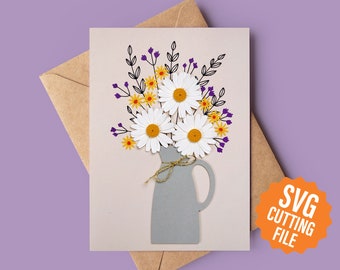
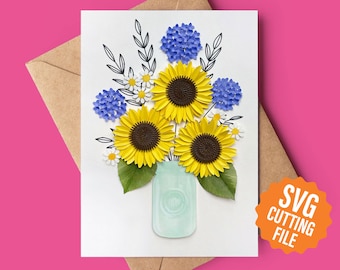
星 5 個のうち 5 個Super pretty card easy to customize. Versatile design good for many occasions. Fun combo of drawing and cutting.
読み込み中
EspeciallyPaper について
セールス
17,921
Etsy ショップ創設年: 2012
ショップメンバー
-

Heather
オーナー
I've been designing digital paper craft templates since 2012, blending traditional craft with modern technology. I specialize in realistic flowers with intricate detail and clear instructions for beautiful, confidence-building results.
委託生産パートナー
-
Printing Service
アラバマ州, アメリカ
I work with a printing service to bring you high-quality, professionally-printed paper goods. After customizing the files for your items, I deliver the final document to the printer where your order is printed, trimmed, and shipped straight to you.
ショップポリシー
最終更新日:
2023年 1月 23日
利用可能な支払い方法
Etsy ギフトカードと Etsy ポイントがご利用可能です
返品&交換
返品&交換の可否は商品詳細をご確認ください。
キャンセル
キャンセル:不可
ご注文に関し、何か問題がございましたらセラーにお問い合わせください。
その他の情報
最終更新日:
2025年 12月 17日
よくある質問
When will I receive my order?
Digital orders are available for download as soon as payment clears, usually less than a minute. A link to download digital goods will be sent to the email address on file with Etsy. Instant downloads are automatically sent, so please be sure that your email address on file is correct before ordering.
How do I cut SVG files with my Cricut cutting machine?
To cut an SVG file with your Cricut cutting machine, you'll need to upload the file to Cricut Design Space. For step-by-step instructions and tips, check out this Especially Paper blog post:
https://especiallypaper.com/blogs/especially-paper/how-to-use-svg-files-with-your-cricut-explore-craft-cutter
How do I download digital files that I've purchased?
After purchase, a download link will be sent to the email address associated with your Etsy account. If you didn't receive that or don't have access to that email account you can download from your Etsy orders page under You > Purchases and reviews. Learn more about buying and downloading digital files in this Etsy help article: https://etsy-fr.life/help/article/3949
How do I cut your templates with my Silhouette machine?
Cutting templates include DXF files that can be used with the basic edition of Silhouette Studio (the free version of the software). Simply go to File > Open within Studio and select the DXF file. Double-clicking the file from the Finder will not open the file.
If you have the designer edition of Silhouette Studio (the upgraded version), you can open the SVG version of the template.
Both file versions include the exact same pieces. They are just alternative file types.