DigitalCollectionX

ミシガン州, アメリカ

7.5 千
件の販売数
すべての評価について、最新レビュー重視の平均評価基準を採用して、この数字を計算しています。最新の体験を反映するため、評価の価値は毎年半減する仕組みとなっています。 4.8 (505)
3 年
Etsy 上
すべての評価について、最新レビュー重視の平均評価基準を採用して、この数字を計算しています。最新の体験を反映するため、評価の価値は毎年半減する仕組みとなっています。 4.8 (505)
7.5 千
件の販売数
3 年
Etsy 上
7.5 千
件の販売数
すべての評価について、最新レビュー重視の平均評価基準を採用して、この数字を計算しています。最新の体験を反映するため、評価の価値は毎年半減する仕組みとなっています。 4.8 (505)
3 年
Etsy 上
すべての評価について、最新レビュー重視の平均評価基準を採用して、この数字を計算しています。最新の体験を反映するため、評価の価値は毎年半減する仕組みとなっています。 4.8 (505)
7.5 千
件の販売数
3 年
Etsy 上
販売数: 7516

Etsy はサイト上のほとんどのテキストをあなたの設定言語に自動的に翻訳しています。

元の言語で表示する


おすすめ商品

すべての商品

Etsy はサイト上のほとんどのテキストをあなたの設定言語に自動的に翻訳しています。

元の言語で表示する

お知らせ

最終更新日: 2025年 06月 2日
Emily and Elizabeth

ショップオーナーに連絡

Emily and Elizabeth

レビュー

4.8 (505)
商品のレビュー平均
すべての評価について、最新レビュー重視の平均評価基準を採用して、この数字を計算しています。最新の体験を反映するため、評価の価値は毎年半減する仕組みとなっています。
読み込み中

DigitalCollectionX について

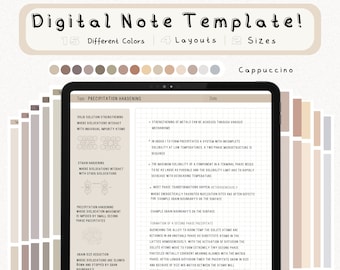
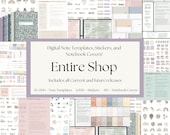
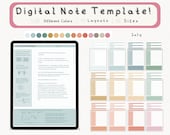
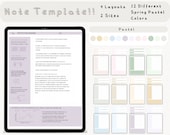
Digital Notes & Stickers | For Samsung Note & Goodnotes

セールス 7,516
Etsy ショップ創設年: 2023

Digital Notes & Stickers | For Samsung Note & Goodnotes

Welcome to Our Shop! 🎉

ショップポリシー

最終更新日:

利用可能な支払い方法

Paypal Visa Mastercard Apple Pay ギフトカード
Etsy ギフトカードと Etsy ポイントがご利用可能です

返品&交換

返品&交換の可否は商品詳細をご確認ください。

その他の情報

最終更新日: 2025年 12月 17日
How do I download my digital product?

Once your payment is processed, you can download your files instantly from Etsy. Here’s how:

1. Go to Your Account (top right on Etsy).
2. Click Purchases & Reviews.
3. Find your order and click Download Files.
4. Save the files to your device and follow the import instructions below.
Note: Downloads are not available via the Etsy app. Please use a web browser on your computer or mobile device.

How do I import stickers into GoodNotes, Notability, or Samsung Notes?

- GoodNotes: Import the sticker file into GoodNotes, then use the lasso tool to copy and paste stickers into your notes. If the stickers are in a ZIP file, unzip them first.
- Notability: Import the sticker file, then use the crop tool to select and add stickers to your notes.
- Samsung Notes: Open the sticker file and add images directly to your notes using the insert image tool.

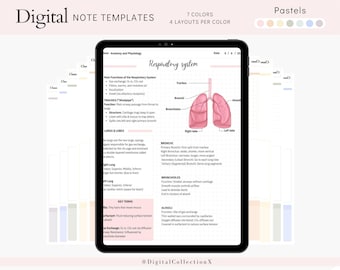
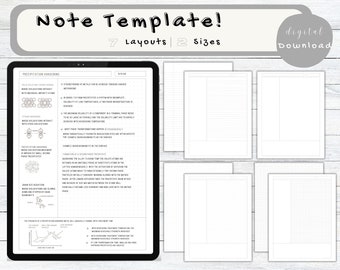
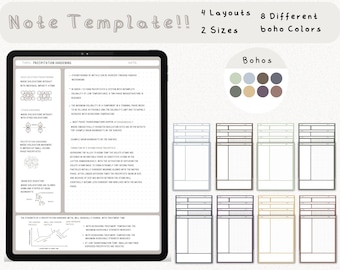
How do I import note templates into GoodNotes, Notability, or Samsung Notes?

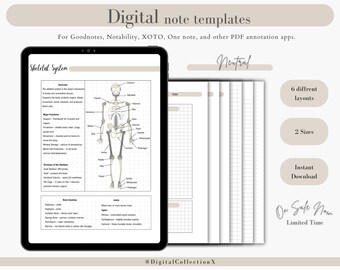
- GoodNotes: Open the app, tap New > Import, and select your downloaded template file. You can also add it as a custom template in Notebook Templates.
- Notability: Tap Import, choose your file, and add it to an existing or new note.
- Samsung Notes: Open a new note, tap the Attach icon, and select your template file to use as a background.

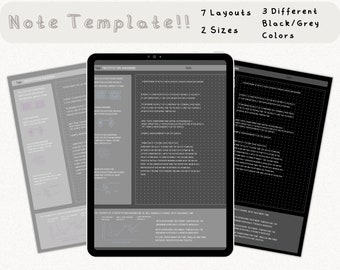
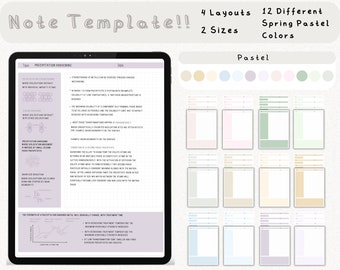
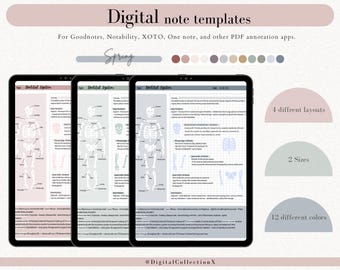
What different apps can I use the note templates with?

Our digital note templates are compatible with a variety of apps, including:

- GoodNotes (iOS) – Best for handwriting and organizing digital notebooks.
- Notability (iOS) – Great for note-taking and annotating PDFs.
- Samsung Notes (Android) – Ideal for digital handwriting and organizing notes.
- OneNote (iOS, Android, Windows) – Perfect for syncing notes across multiple devices.
- Xodo PDF Reader & Editor (iOS, Android, Windows) – Works well for annotating and filling in PDFs.

If you’re unsure whether your app is compatible, feel free to message us!

What if I have trouble downloading or using my files?

No worries! If you have any issues, feel free to message us on Etsy—we’re happy to help! 💛