









Git + GitHub Cheat Sheets + Interactive Version Control Tracker
JetztPreis:9,54 €
Ursprünglicher Preis: 15,91 €
40 % Rabatt
Sale endet in 1 Tag
Du kannst nur dann ein Angebot machen, wenn du einen einzelnen Artikel kaufst.
Highlights
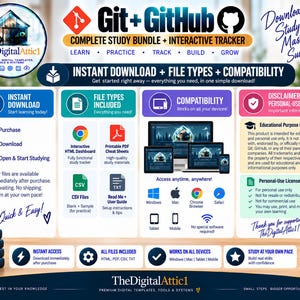
GIT + GITHUB CHEAT SHEET BUNDLE + INTERACTIVE VERSION CONTROL STUDY TRACKER
Learn Git and GitHub with a complete digital study system designed for students, beginners, self-learners, future developers, and anyone building stronger version-control skills.
IMPORTANT
The main product is a full INTERACTIVE HTML GIT + GITHUB STUDY TRACKER.
It is NOT an Excel spreadsheet.
WHAT’S INCLUDED
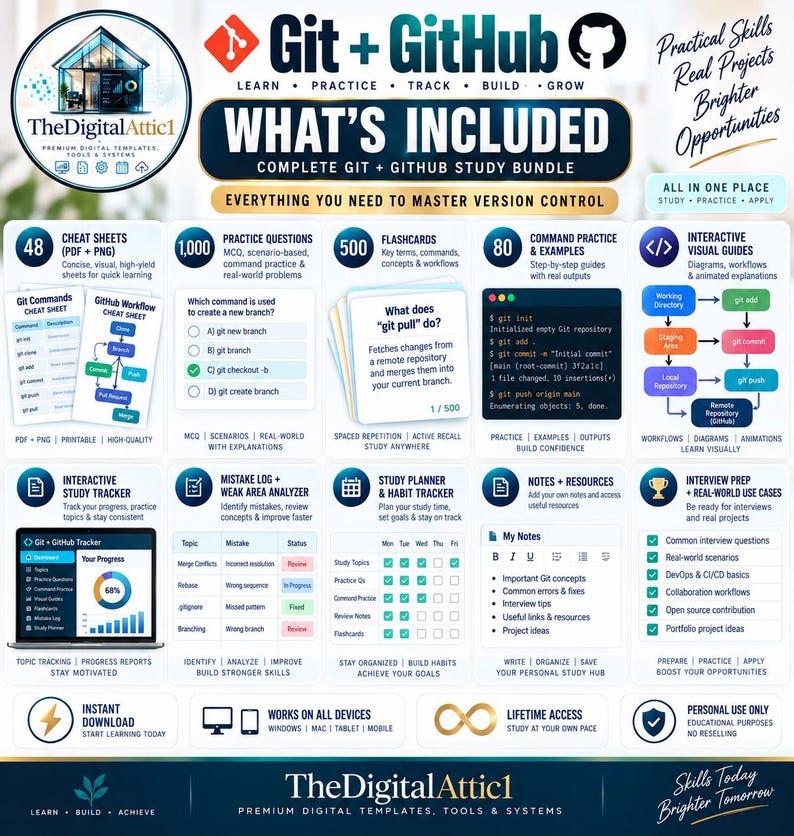
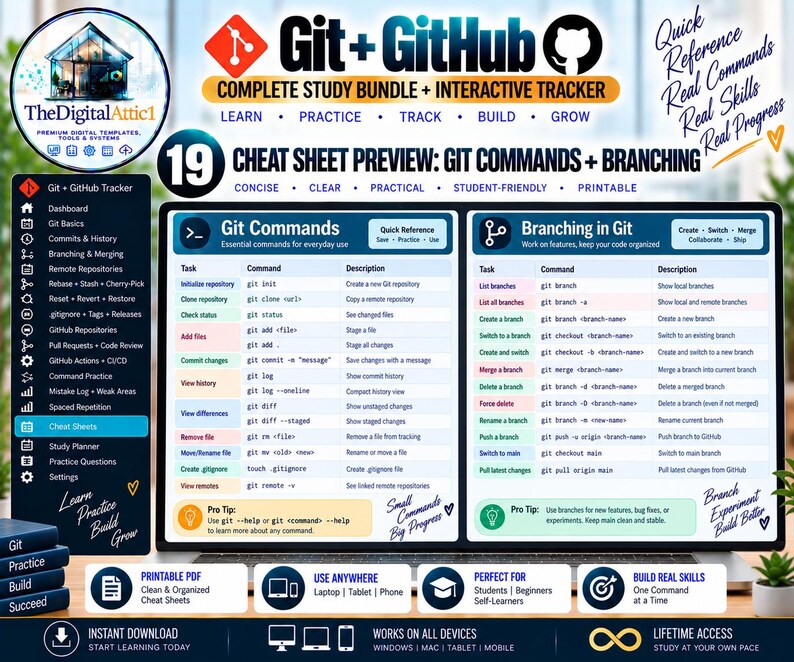
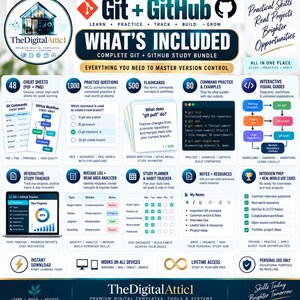
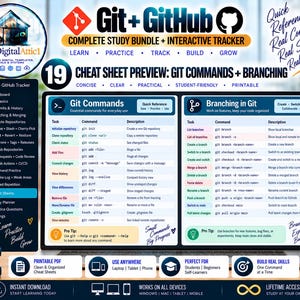
• 48 high-yield Git + GitHub cheat sheets in PDF
• 48 matching PNG cheat sheets
• Full interactive HTML Git + GitHub Study Tracker
• 60-topic mastery tracker
• 1,000 practice questions
• 500 flashcards
• 80 command-practice items
• Command examples + simulated outputs
• 12 guided workflow simulations
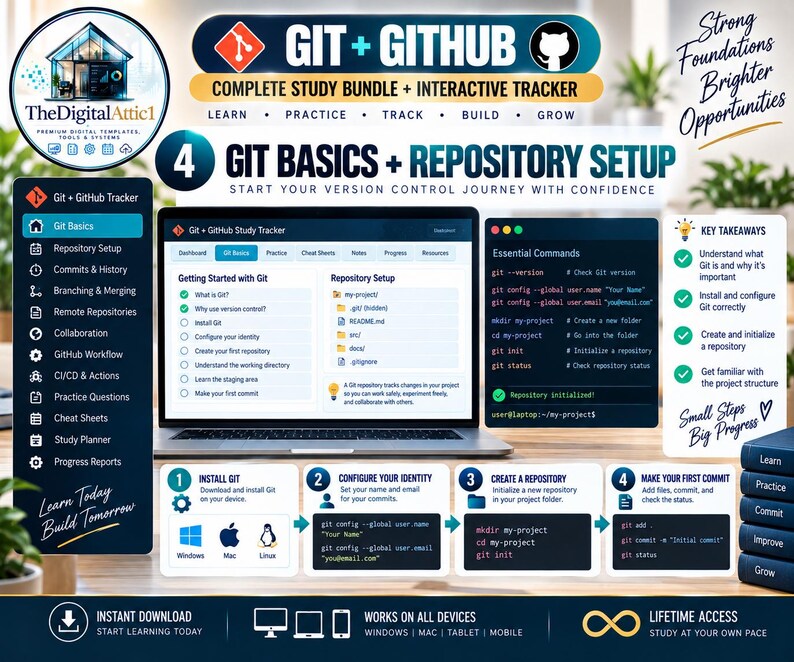
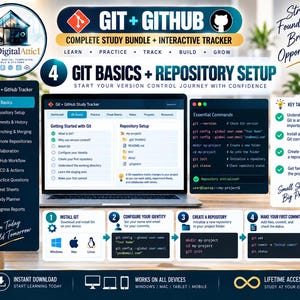
• Git Basics + Repository Setup
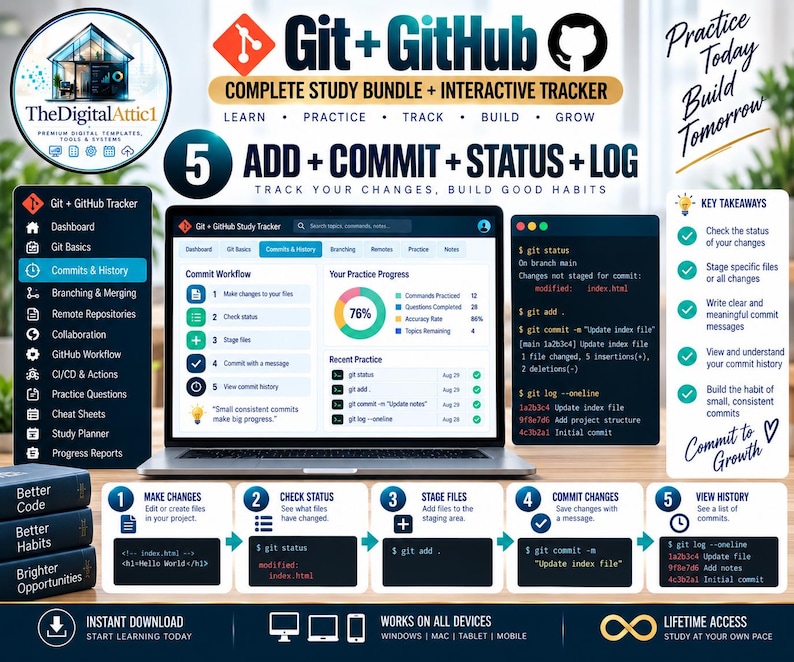
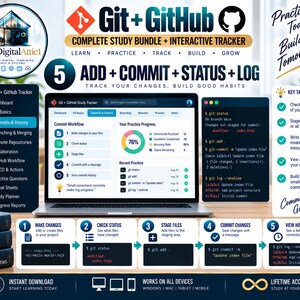
• Add + Commit + Status + Log
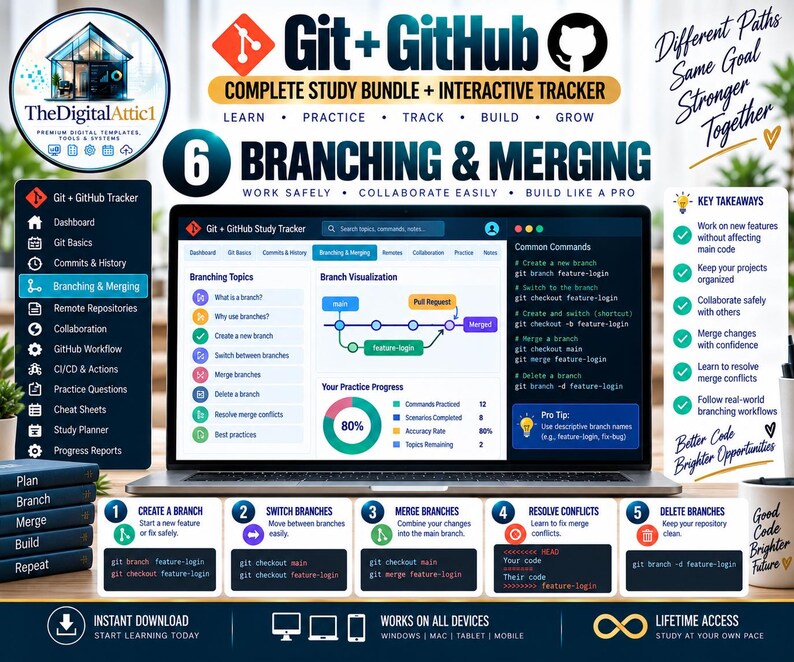
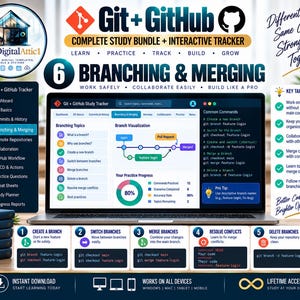
• Branching + Merging
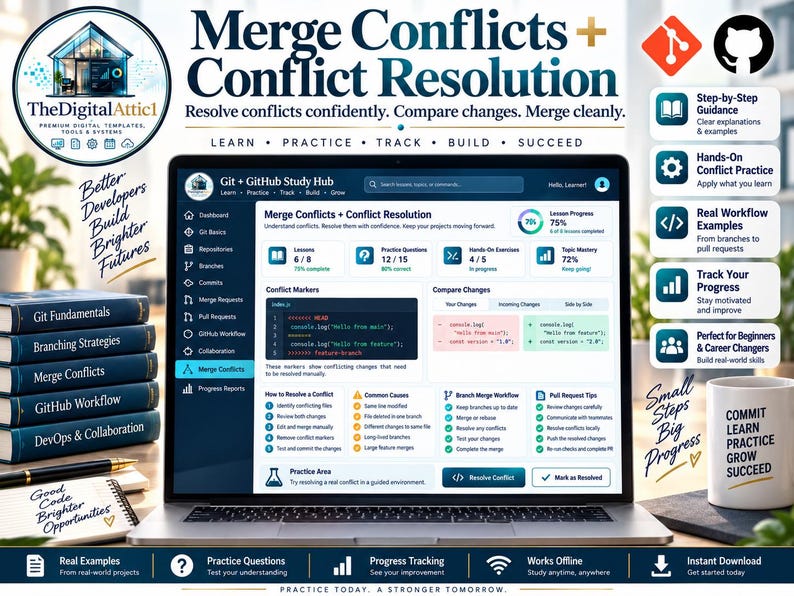
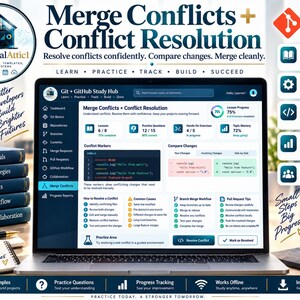
• Merge Conflicts + Conflict Resolution
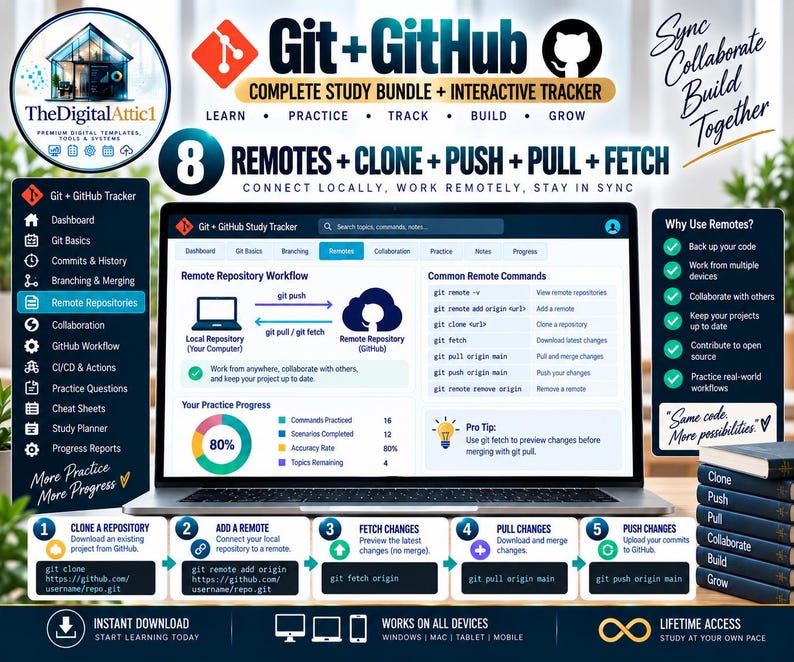
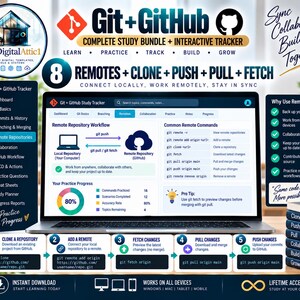
• Remotes + Clone + Push + Pull + Fetch
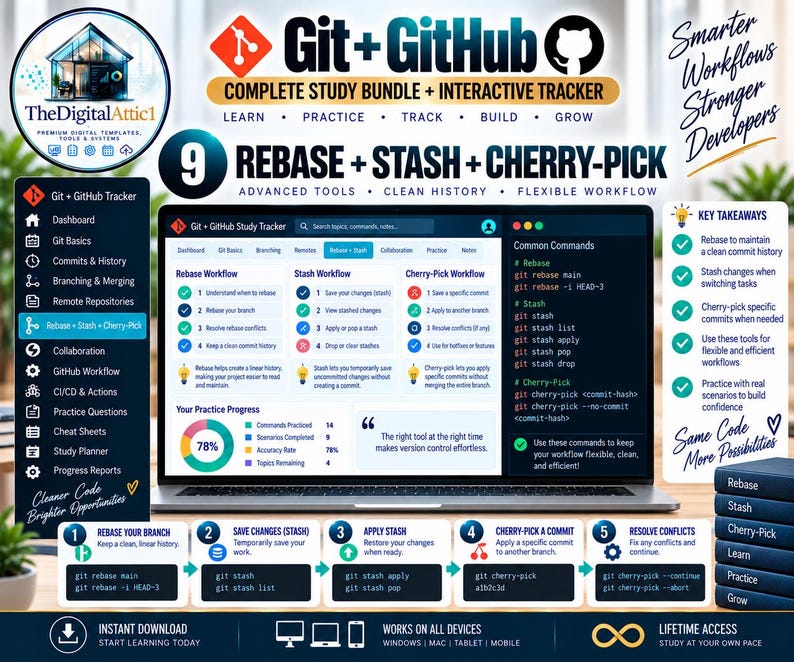
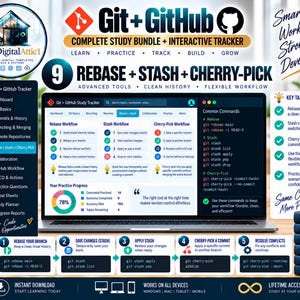
• Rebase + Stash + Cherry-Pick
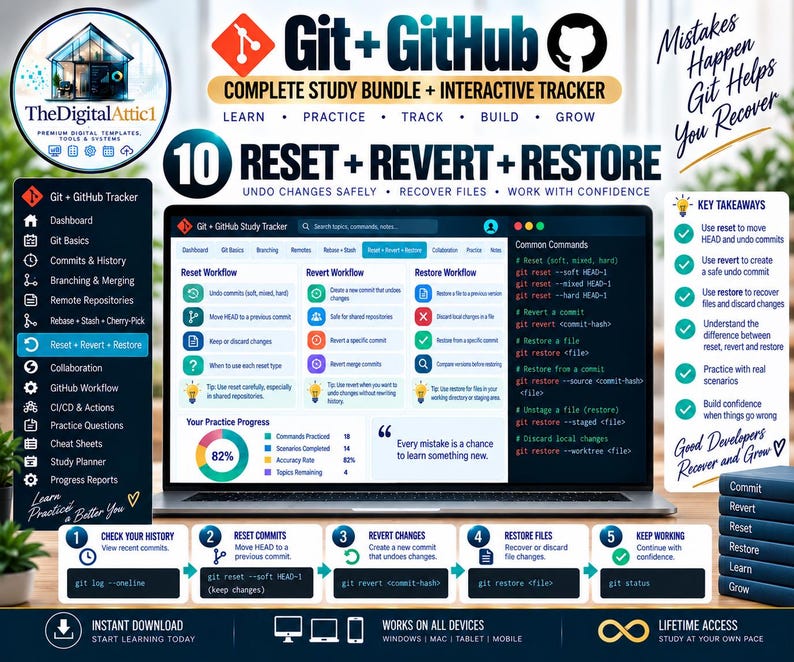
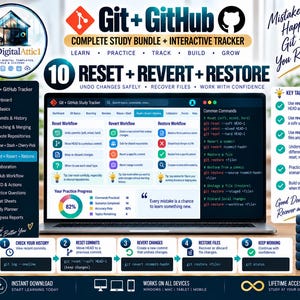
• Reset + Revert + Restore
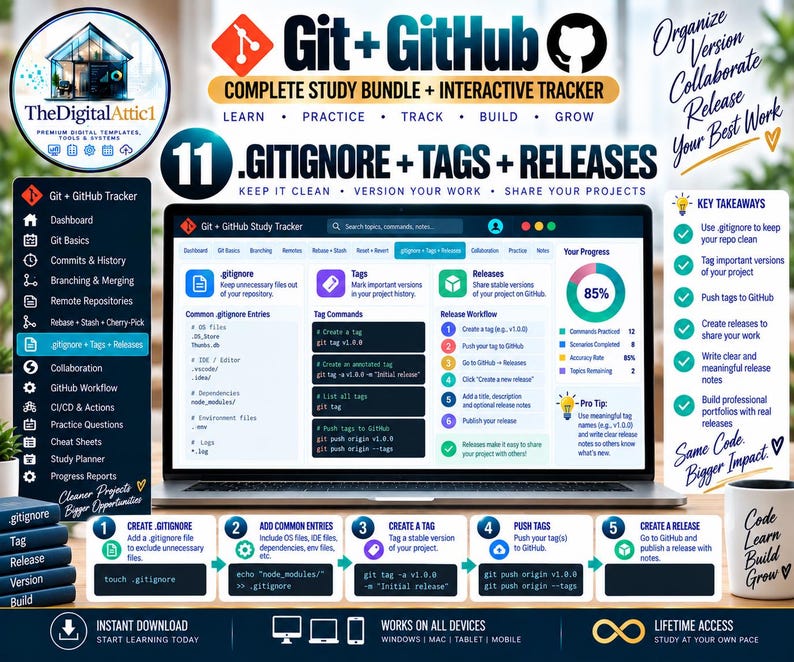
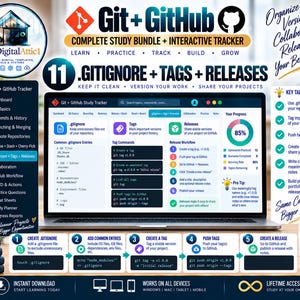
• .gitignore + Tags + Releases
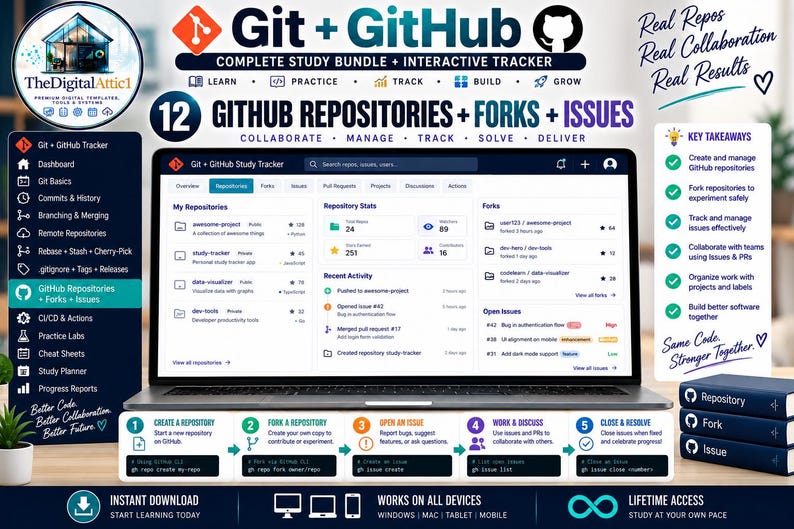
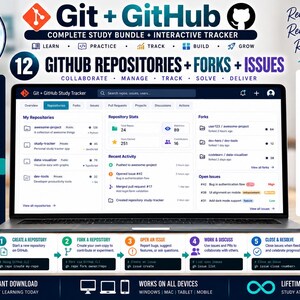
• GitHub Repositories + Forks + Issues
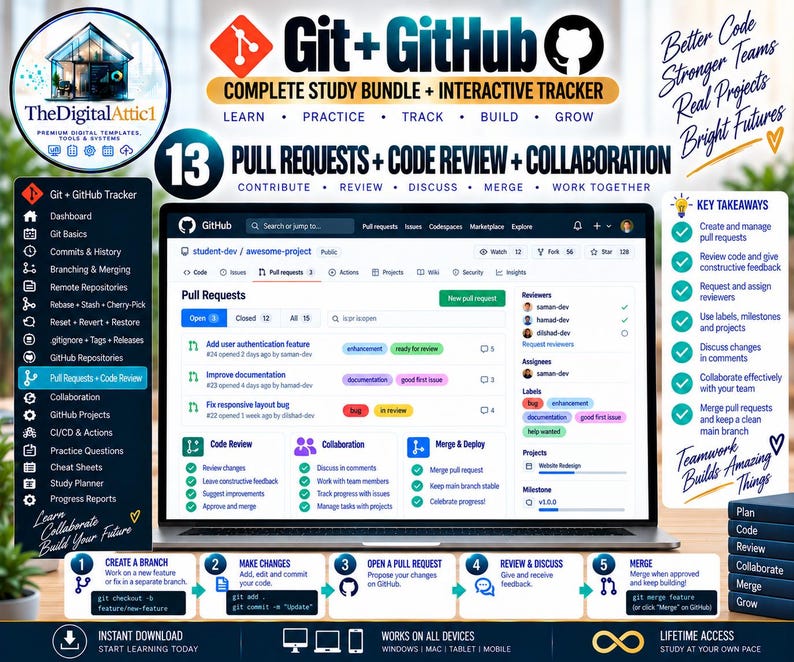
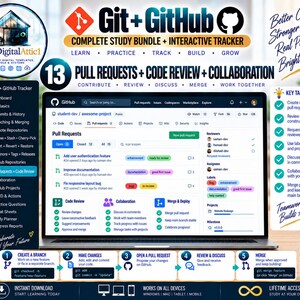
• Pull Requests + Code Review + Collaboration
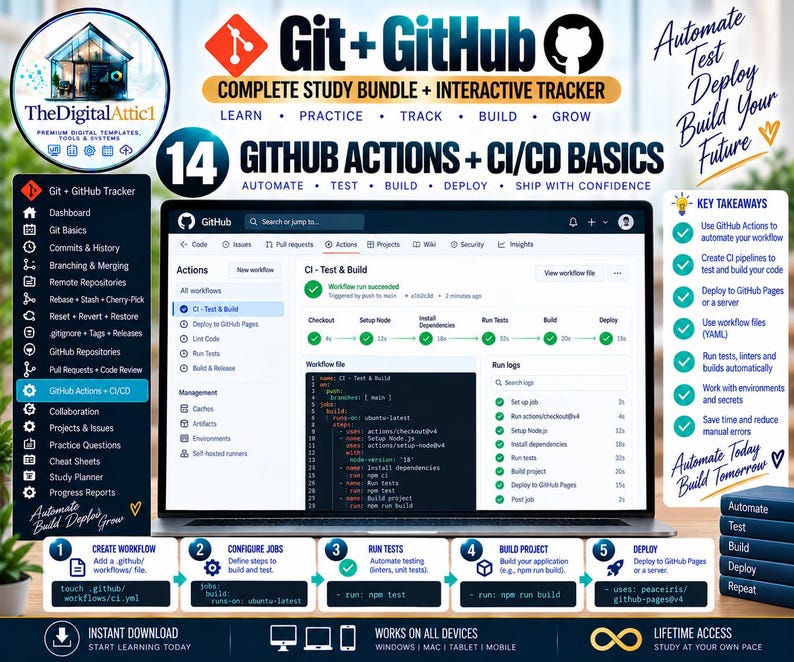
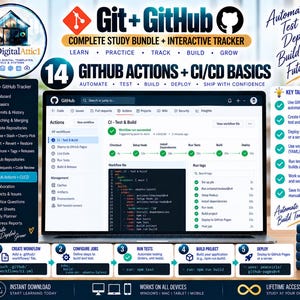
• GitHub Actions + CI/CD Basics
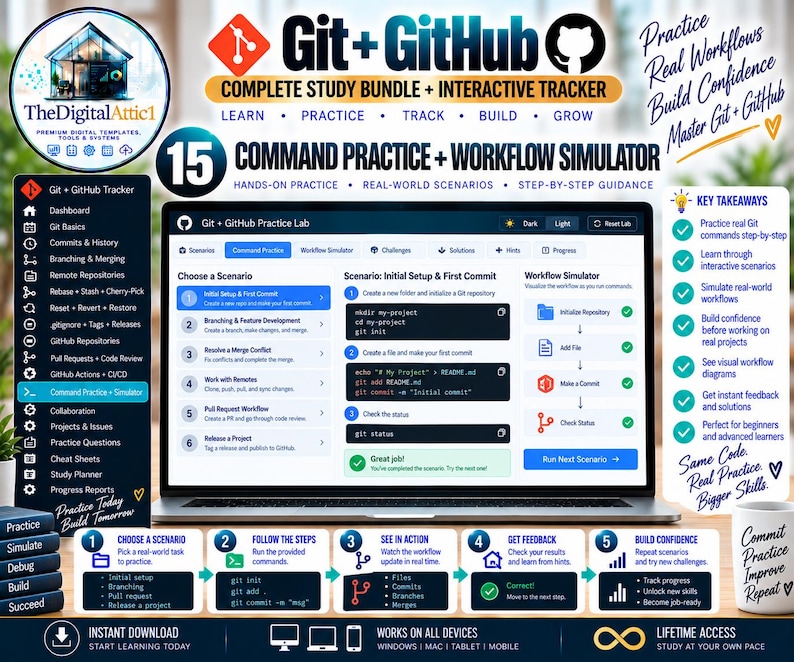
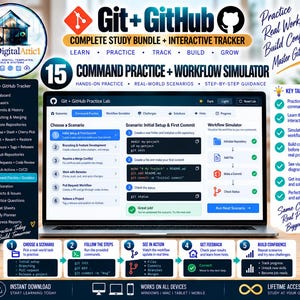
• Command Practice Lab
• Workflow Simulator
• Dashboard Quick Actions
• Animated workflow explanations
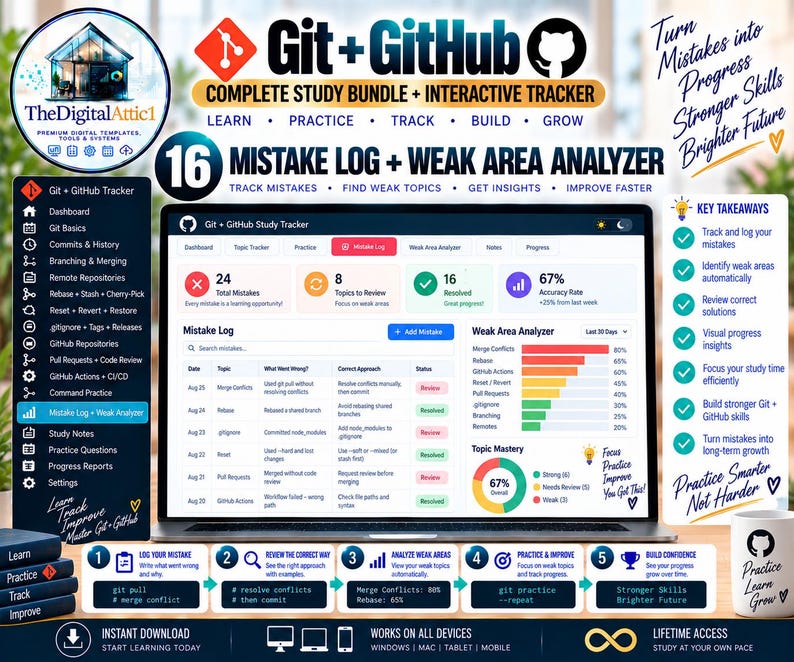
• Mistake Log
• Weak Area Analyzer
• Accuracy Trend
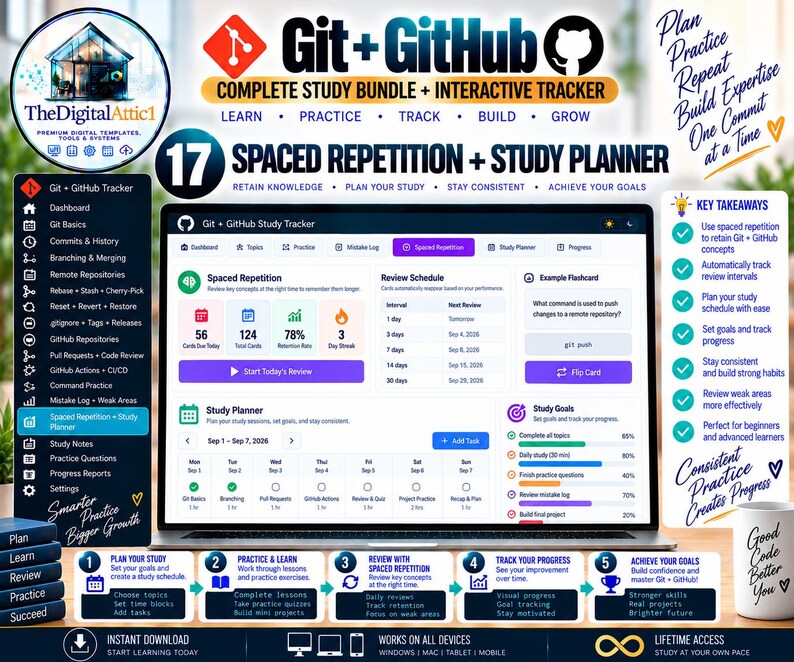
• Spaced Repetition
• Study Planner
• Habit Tracker
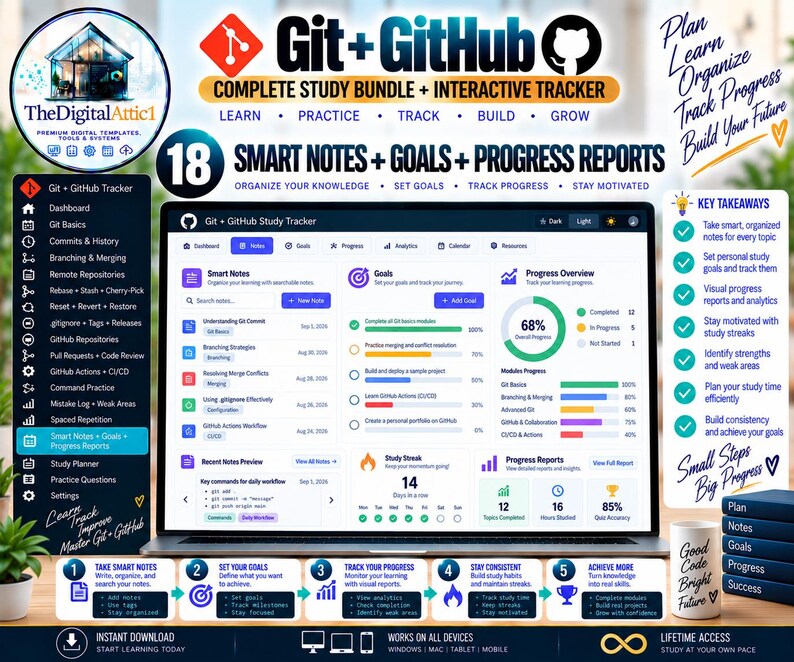
• Smart Notes
• Rich-text note formatting
• Goals
• Analytics
• Calendar
• Progress Reports
• 11 fictional practice datasets
• 5 blank CSV templates
• 5 sample CSV templates with fictional data
• Quick Start Guide PDF
• User Guide PDF
• Study Tips PDF
• Complete 60-Topic List PDF
• Personal-Use License PDF
• Supporting CSS, JavaScript + SVG files
• Clearly labeled START HERE tracker file
GIT BASICS + REPOSITORY SETUP
Study:
• What Git is
• Version control fundamentals
• Installing Git
• Git configuration
• Username + email setup
• Working directory
• Staging area
• Local repository
• git init
• git status
• Repository structure
ADD + COMMIT + STATUS + LOG
Practice:
• git status
• git add
• git add .
• git commit
• Commit messages
• git log
• git log --oneline
• git diff
• git diff --staged
• git rm
• git mv
BRANCHING + MERGING
Learn:
• Creating branches
• Switching branches
• git branch
• git switch
• git checkout
• Creating + switching in one command
• Merging
• Fast-forward merges
• Three-way merges
• Deleting branches
• Branch cleanup
• Collaboration workflows
MERGE CONFLICTS + CONFLICT RESOLUTION
Practice:
• Understanding conflict markers
• Comparing both versions
• Editing the final result
• Removing conflict markers
• Staging resolved files
• Completing merges
• Common conflict causes
• Conflict-resolution best practices
The tracker includes an interactive conflict-practice area.
REMOTES + CLONE + PUSH + PULL + FETCH
Study:
• Remote repositories
• origin
• upstream
• git clone
• git remote
• git remote -v
• git fetch
• git pull
• git push
• Upstream tracking
• Keeping repositories synchronized
REBASE + STASH + CHERRY-PICK
Learn:
• git rebase
• Interactive rebase
• git stash
• git stash list
• git stash apply
• git stash pop
• git stash drop
• git cherry-pick
• Applying individual commits
• Cleaner local history
• When not to rewrite shared history
RESET + REVERT + RESTORE
Review:
• git reset --soft
• git reset --mixed
• git reset --hard
• git revert
• git restore
• git restore --staged
• Recovering files
• Undoing commits safely
• Choosing the correct recovery command
.GITIGNORE + TAGS + RELEASES
Study:
• .gitignore patterns
• Dependencies
• Environment files
• Logs
• Editor files
• Creating tags
• Annotated tags
• Pushing tags
• Semantic versioning basics
• GitHub releases
• Release notes
• Version history
GITHUB REPOSITORIES + FORKS + ISSUES
Learn:
• Creating repositories
• Public + private repositories
• Repository navigation
• Forking repositories
• GitHub Issues
• Labels
• Assignees
• Milestones
• Closing issues
• Open-source contribution basics
PULL REQUESTS + CODE REVIEW + COLLABORATION
Practice:
• Creating pull requests
• Requesting reviewers
• Assigning reviewers
• Reviewing changes
• Giving constructive feedback
• Discussion comments
• Approval
• Requested changes
• Labels + projects
• Merging pull requests
• Team collaboration workflows
GITHUB ACTIONS + CI/CD BASICS
Study:
• GitHub Actions
• Workflow YAML
• .github/workflows
• Workflow triggers
• Jobs
• Steps
• actions/checkout
• Testing
• Linting
• Building
• Deployment basics
• GitHub Pages
• Run logs
• CI/CD concepts
• Environments + secrets basics
COMMAND PRACTICE LAB
Includes 80 command-practice items with simulated feedback and expected output.
Practice commands such as:
• git init
• git status
• git add
• git commit
• git log
• git branch
• git switch
• git merge
• git fetch
• git pull
• git push
• git stash
• git rebase
• git cherry-pick
• git reset
• git revert
• git restore
• git tag
• GitHub CLI commands
• And more
WORKFLOW SIMULATOR
Practice realistic guided workflows including:
• Initial Setup + First Commit
• Branching + Feature Development
• Merge Conflict Resolution
• Remote Repository Workflow
• Pull Request Workflow
• Release a Project
• Stash + Resume Work
• Rebase a Feature Branch
• Undo a Bad Commit Safely
• Recover Local File Changes
• GitHub Issue Workflow
• CI/CD Workflow
The simulator walks through each workflow step-by-step and updates a simulated repository state.
DASHBOARD QUICK ACTIONS
Jump directly to:
• Continue Practice
• Review Flashcards
• Open Study Planner
• View Progress
• Practice Commands
• Run Workflow Simulator
ANIMATED WORKFLOW EXPLANATIONS
Selected workflow lessons include animated step highlighting to help visualize how Git operations move through repository states.
1,000 PRACTICE QUESTIONS
Includes:
• Multiple Choice
• Command Practice
• Workflow Scenarios
• Troubleshooting
• Concept Questions
• Realistic version-control situations
500 FLASHCARDS
Use built-in spaced repetition to review:
• Git commands
• Git concepts
• Branching
• Remotes
• Recovery tools
• GitHub collaboration
• CI/CD concepts
• Common mistakes
Review ratings include:
• Again
• Hard
• Good
• Easy
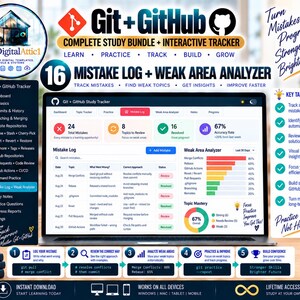
MISTAKE LOG + WEAK AREA ANALYZER
Track:
• Topic
• What went wrong
• Correct approach
• Date
• Review status
The Weak Area Analyzer uses:
• Topic mastery
• Missed questions
• Command-practice mistakes
• Mistake Log entries
to highlight areas that may need more review.
The module also includes an Accuracy Trend view to help visualize progress over time.
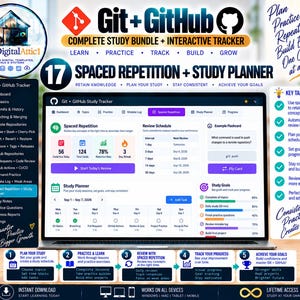
SPACED REPETITION + STUDY PLANNER
Organize:
• Flashcard reviews
• Study blocks
• Topic review
• Command practice
• Weekly habits
• Study duration
• Upcoming review dates
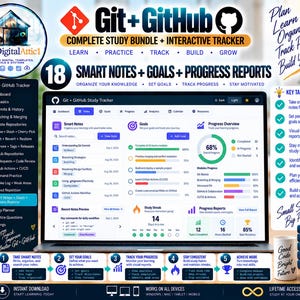
SMART NOTES + GOALS
Create and organize notes with:
• Topic assignment
• Tags
• Quick summaries
• Favorites
• Search
• Bold
• Italic
• Underline
• Bulleted lists
• Numbered lists
• Links
SMART NOTES TABS
Includes:
• Notes
• Goals
• Analytics
• Calendar
ANALYTICS
View quick learning insights including:
• Notes created
• Practice accuracy
• Commands practiced
• Study time
CALENDAR
Use the built-in study-calendar view for a quick weekly learning overview and open the full Study Planner for detailed scheduling.
GOALS
Set goals for:
• Practice Questions
• Commands Practiced
• Topics Mastered
• Flashcards Reviewed
PROGRESS REPORTS
Track:
• Overall progress
• Topics Mastered
• Questions Solved
• Practice Accuracy
• Commands Practiced
• Command Accuracy
• Flashcards Reviewed
• Study Time
• Notes
• Mistakes
• Strengths
• Areas to Improve
11 FICTIONAL PRACTICE DATASETS
Includes fictional data for:
• Repository History
• Branch Maps
• Remotes
• Merge Conflicts
• GitHub Issues
• Pull Requests
• Releases
• GitHub Actions
• Command History
• Practice Progress
• Study Goals
5 BLANK CSV TEMPLATES
• Study Planner
• Task Tracker
• Mistake Log
• Notes Template
• Progress Tracker
5 SAMPLE CSV TEMPLATES
Fictional completed examples are included to show how each template may be used.
IMPORTANT ABOUT THE SIMULATOR
The tracker is an educational simulator.
It does NOT execute real Git commands on your device and does NOT connect to or modify live GitHub repositories.
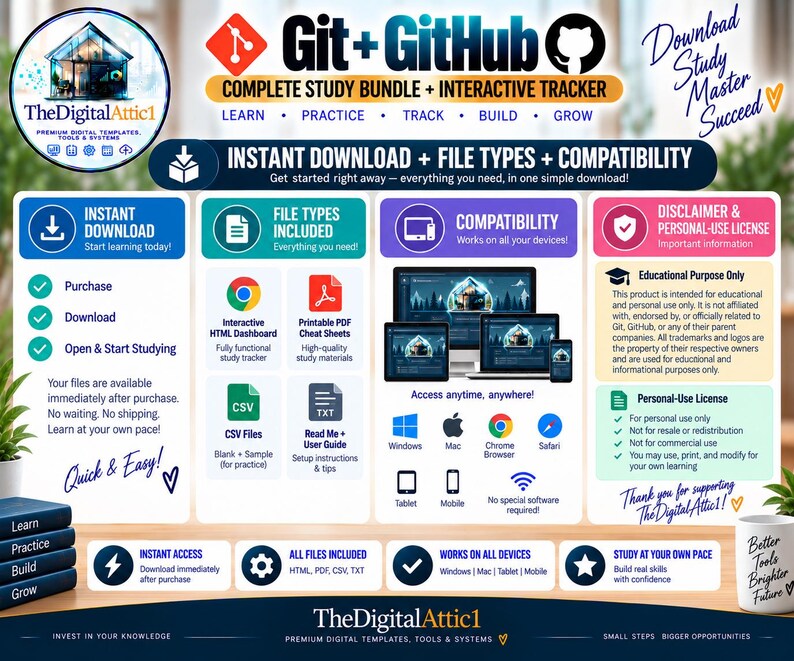
FILE TYPES
• HTML
• PDF
• PNG
• CSV
• JSON
• TXT
• CSS
• JavaScript
• SVG
COMPATIBILITY
The interactive tracker opens in a modern web browser.
Core tracker features work offline after download.
Compatible with modern browsers on:
• Windows
• Mac
• Desktop / Laptop
• Tablet
• Mobile
Display may vary depending on screen size.
DIGITAL DOWNLOAD
This is a digital product.
No physical item will be shipped.
EDUCATIONAL DISCLAIMER
This resource is intended for educational and informational purposes only.
Git and GitHub names, logos, and trademarks belong to their respective owners.
This independent educational resource is not affiliated with, endorsed by, or sponsored by GitHub, Inc. or Git.
No certification, academic, interview, employment, or professional outcome is guaranteed.
PERSONAL-USE LICENSE
For personal educational use only.
Files may not be resold, redistributed, shared, sublicensed, publicly uploaded, repackaged, or commercially reproduced.
Thank you for supporting TheDigitalAttic1.
Sofort-Download
Sobald die Zahlung bestätigt wurde, stehen deine Dateien zum Download bereit. Hier erfährst du wie.
Sofort-Download-Artikel können nicht zurückgegeben, umgetauscht oder storniert werden. Bitte kontaktiere den Shop, wenn du Probleme mit deiner Bestellung hast.
Etsys Einkaufsschutz
Kaufe beruhigt auf Etsy ein, denn wenn bei einer Bestellung etwas schief geht, stehen wir dir für alle berechtigten Einkäufe zur Seite –
siehe Programmbedingungen

Gibt die erste Bewertung für diesen Artikel ab

Mehr aus diesem Shop
Shop besuchen-
Digitaler Download
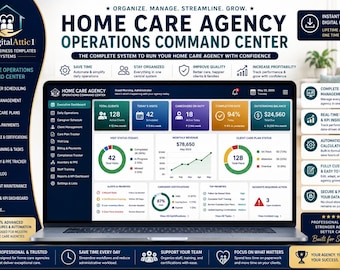
Home Care Agency Operations Command Center | Caregiver Scheduling, Client Tracker, Billing, Compliance & Agency Management System
Sale-Preis 11,94 €
Ursprünglicher Preis 19,89 €
-
Digitaler Download
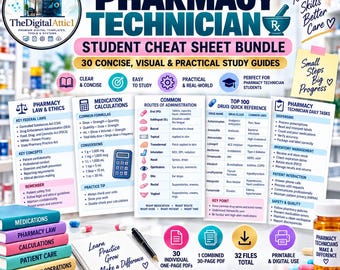
Pharmacy Technician Cheat Sheets | 30 PDF Study Guides
Sale-Preis 8,59 €
Ursprünglicher Preis 14,32 €
-
Digitaler Download
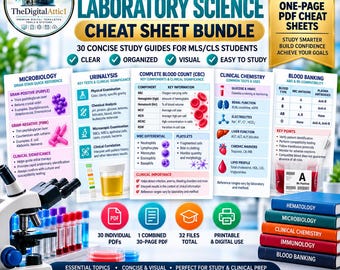
Medical Laboratory Science Cheat Sheets | 30 MLS CLS Study Guides
Sale-Preis 7,15 €
Ursprünglicher Preis 11,94 €
-

Digitaler Download
Speech Language Pathology SLP Cheat Sheets | 30 Student Study Guides
Sale-Preis 7,15 €
Ursprünglicher Preis 11,94 €
-
Digitaler Download
Shortcut Claude Code Command Cheat Sheet: Commands Reference (PDF)
Sale-Preis 3,72 €
Ursprünglicher Preis 14,89 €
-
Digitaler Download
Ultimativer Microsoft Office Spickzettel Bundle Word + Excel + Power Point druckbare Tastenkombinationen PDF Lern- und Arbeits-Produktivitäts-Paket-Handbuch
20,47 €
-

Digitaler Download
Git-Anleitung für Anfänger: Schritt-für-Schritt-Anleitung mit Git und GitHub-Kommandos (als PDF herunterladbar)
11,37 €
-

Digitaler Download
DevOps Spickzettel-Bundle: CI/CD, Docker, Kubernetes (druckbare Anleitungen)
Sale-Preis 4,54 €
Ursprünglicher Preis 9,09 €
-

Digitaler Download
Ebook | Python AI Spickzettel: LLM Scripte enthalten (Digitaler Download)
14,78 €
-

Digitaler Download
MicroSaas Success Blueprint Bundle – E‑Book Guide Checklist Workbook Prompt Pack Toolstack for Niche Software Startups
21,41 €
-
Digitaler Download
Die Eisenhower-Matrix Blueprint-Bundle für Zeit-Mangement-Fokus Delegaten Klarheit tägliche Planung und Arbeitspriorisierungs-Tools
17,84 €
-
Digitaler Download
R Programming Cheat Sheet - RStudio Reference PDF
Sale-Preis 4,90 €
Ursprünglicher Preis 6,55 €
-
Digitaler Download
Kommandozeilen-Spickzettel (PDF-Paket mit 22 PDFs)
Sale-Preis 5,88 €
Ursprünglicher Preis 7,84 €
-
Digitaler Download
Golang Tutorial und Spickzettel mit Quellcode: Eine komplette Anleitung von den Grundlagen bis hin zu den Fortgeschrittenen
17,06 €
-
Digitaler Download
Ultimative Excel-Verknüpfungen und -Formeln, Spickzettel, Excel-Leitfaden, Tipps zur Kalkulation, Steigerung der Produktivität, digitaler Download
Sale-Preis 5,69 €
Ursprünglicher Preis 11,38 €
-
Digitaler Download
"Linux Spickzettel PDF | 25 Seiten Kurzanleitung für Kurzanleitung für Kurzanleitung und DevOps
7,15 €
Käufer:innen mit ähnlichem Geschmack waren hiervon begeistert
-
Spickzettel für Cybersicherheits-Abkürzungen – Poster-Wandbild für Hacker und Cybersicherheitsexperten
ab 33,40 €
-

Das OSI-Modell mit seinen 7 Schichten – Poster-Wandbild für Netzwerktechniker und IT-Fachleute
ab 28,21 €
-
TCP/IP-Modellposter: Wandbild für Netzwerktechniker
ab 32,66 €
-
ARPA-Netzwerkkarte, Mai 1973 – Poster, Wandbild, Geschenk für technischen Support
ab 33,40 €
-
Kurzanleitung zu Internetprotokollen und gängigen TCP-Ports für Netzwerktechniker
ab 28,21 €
-

DRAMATIC EXIT door topper, shelf decor, wall decor
ab 19,31 €
-

Bunt Shirt | Datenwissenschaftler, Daten-Analyst, Data Science, Algorithms, AI, Data Nerd, Data Engineer
ab 39,81 €
-
Python-Spickzettel-Schreibtischunterlage | Großes Gaming-Mauspad, Entwicklergeschenk
Sale-Preis ab 36,30 €
Ursprünglicher Preis ab 45,38 €
-
Zwei Arten Daten Wissenschaftler Lustige Maus Pad | Daten Wissenschaftler, Statistiker, Anaylist, Daten Wissenschaft Geschenk, Maschinelles Lernen, KI
20,47 €
-
Karte des Whole Internet im Jahr 1977 ARPAnet Poster | Internet Geschichte Kunst Geschenk - Vintage Computer Netzwerk Blueprint | OSI-Modell
Sale-Preis ab 13,65 €
Ursprünglicher Preis ab 18,20 €
-

Space Galaxy Resin Lampe: Holz & Epoxy Nachtlicht, Epoxy Nachtlampe für Raumschiffe, Interstellare Harzlampe, Hallowen Geschenk
Sale-Preis ab 62,44 €
Ursprünglicher Preis ab 124,89 €
-
Powershell Spickzettel Platine Untersetzer - Geschenk für Geeks
17,00 €

